Happylost
Ipega PG-P4010 Controle PS4 PS3 Joystick Wireless Bluetooth Gamepad for Sony Playstation 4 Game Console Controller Android iOS
Ipega PG-P4010 Controle PS4 PS3 Joystick Wireless Bluetooth Gamepad for Sony Playstation 4 Game Console Controller Android iOS
Couldn't load pickup availability
PS4 Game Controller
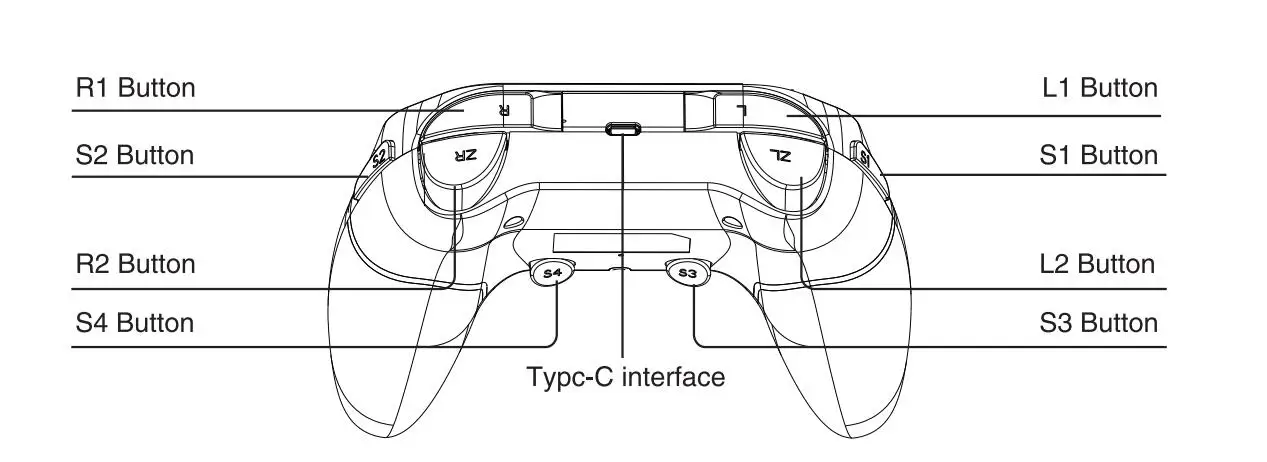
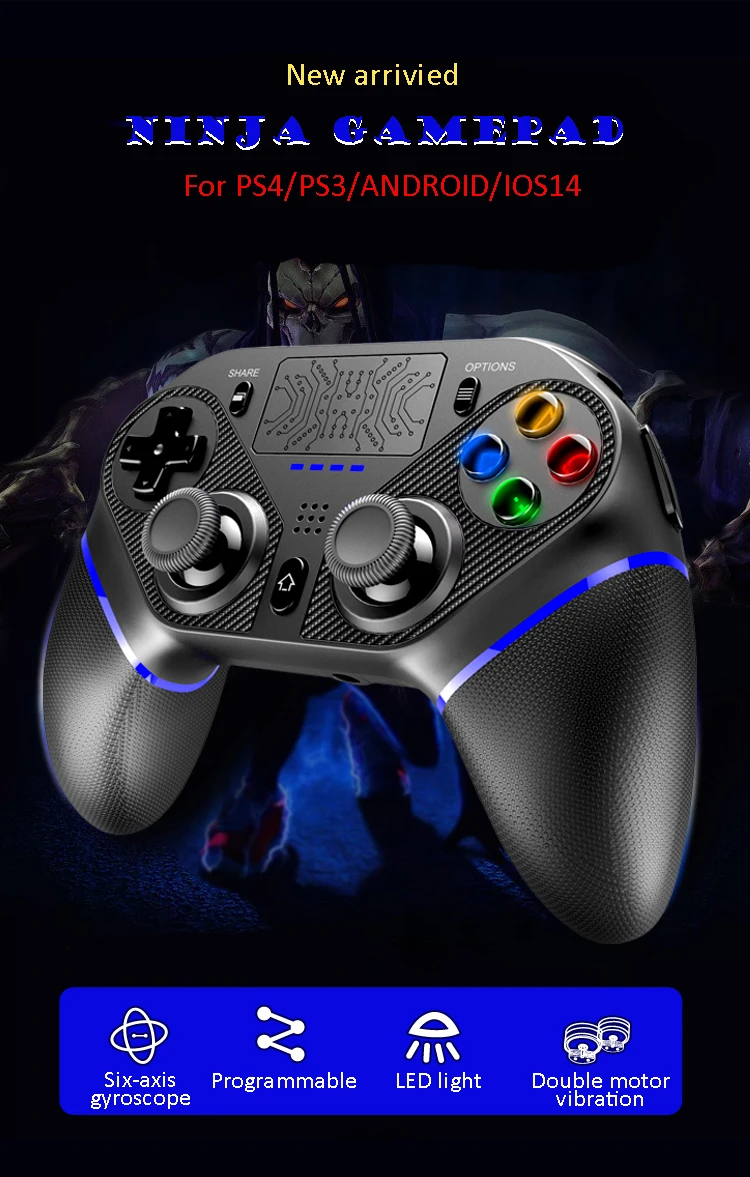
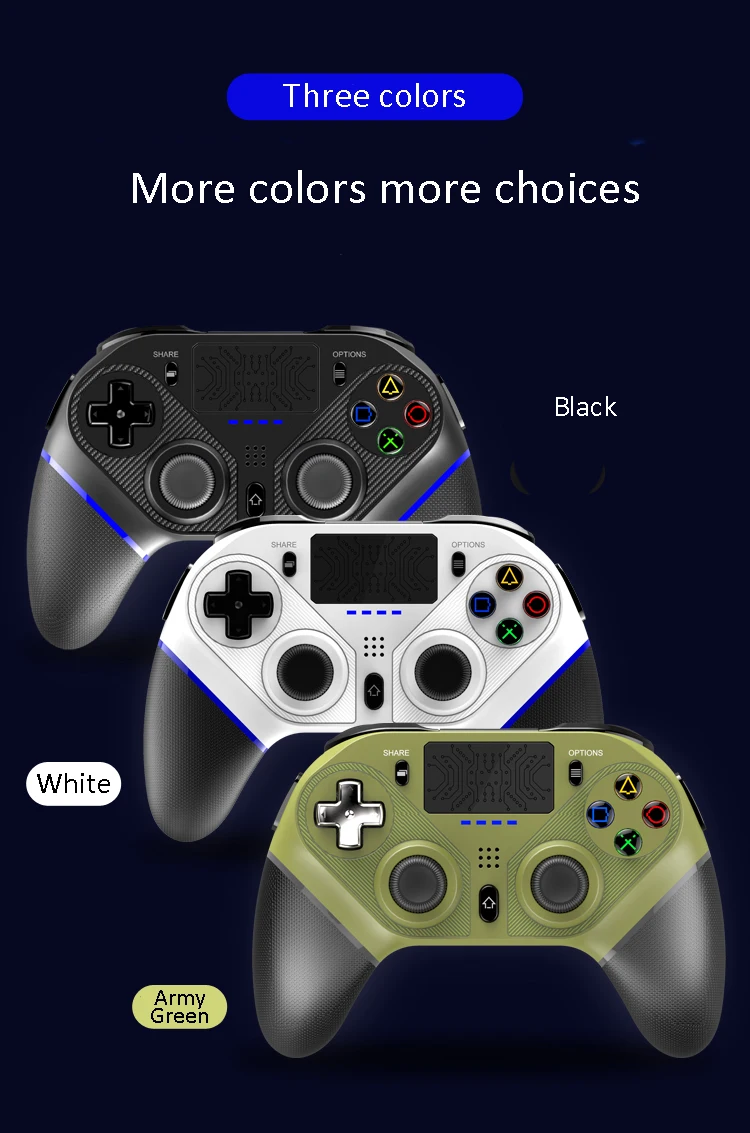
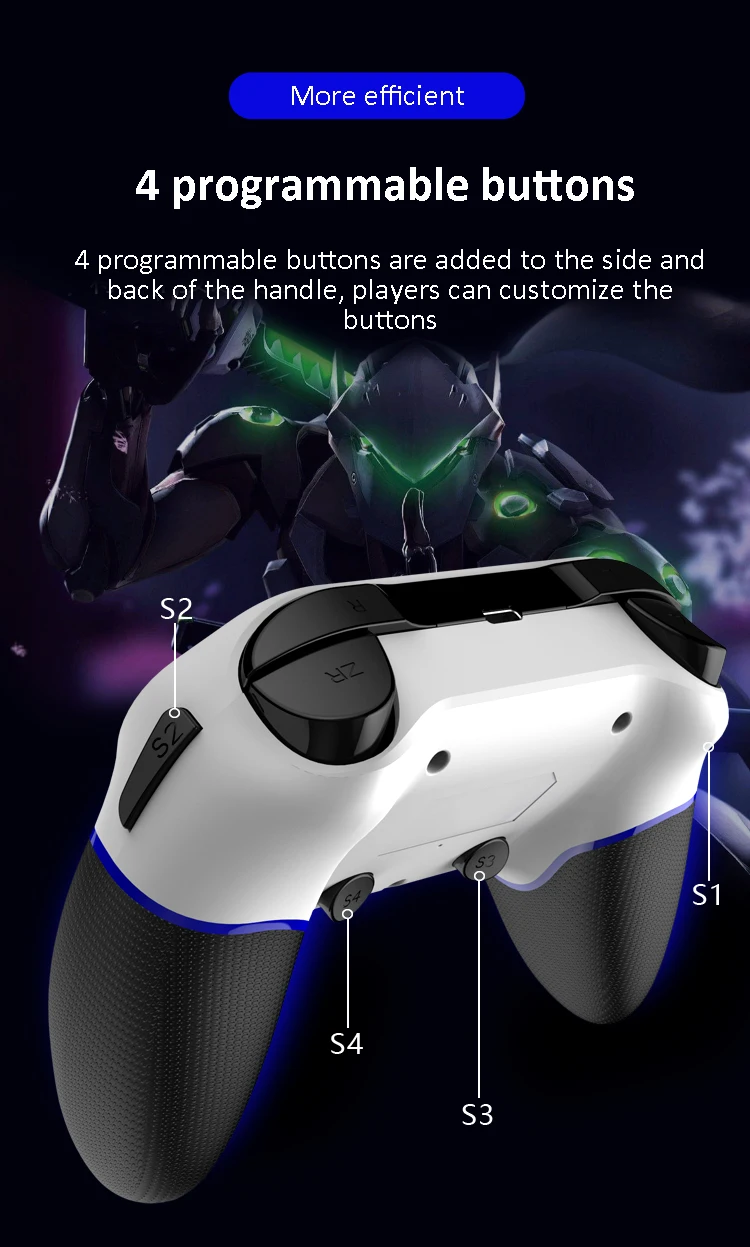
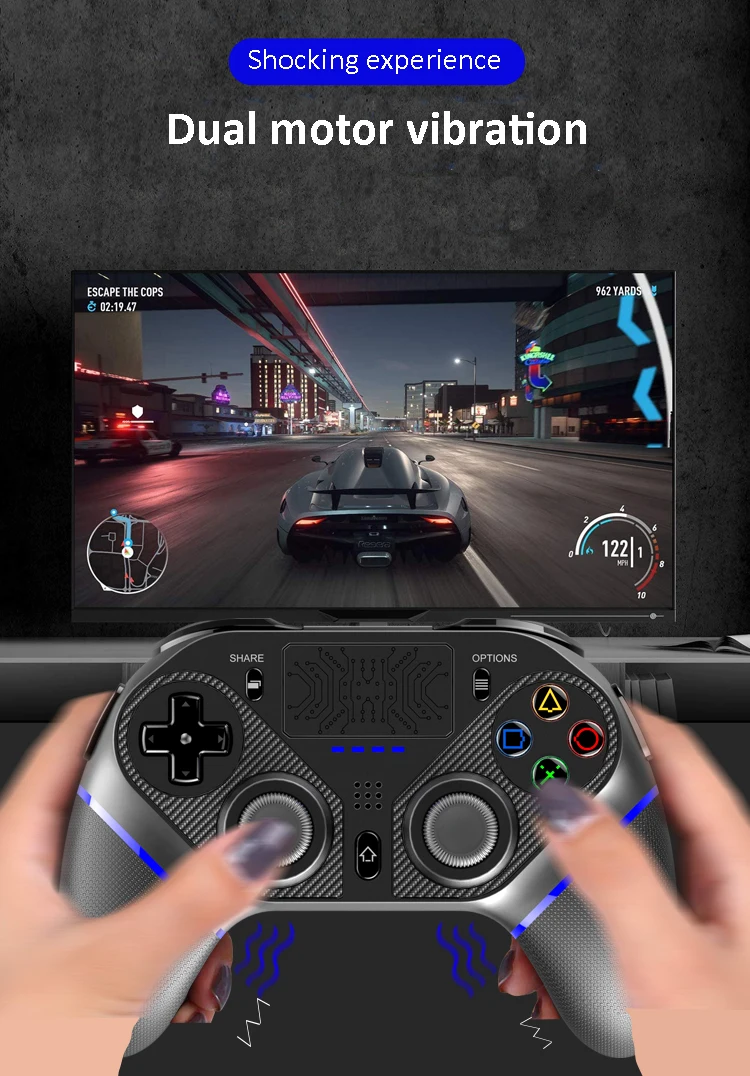
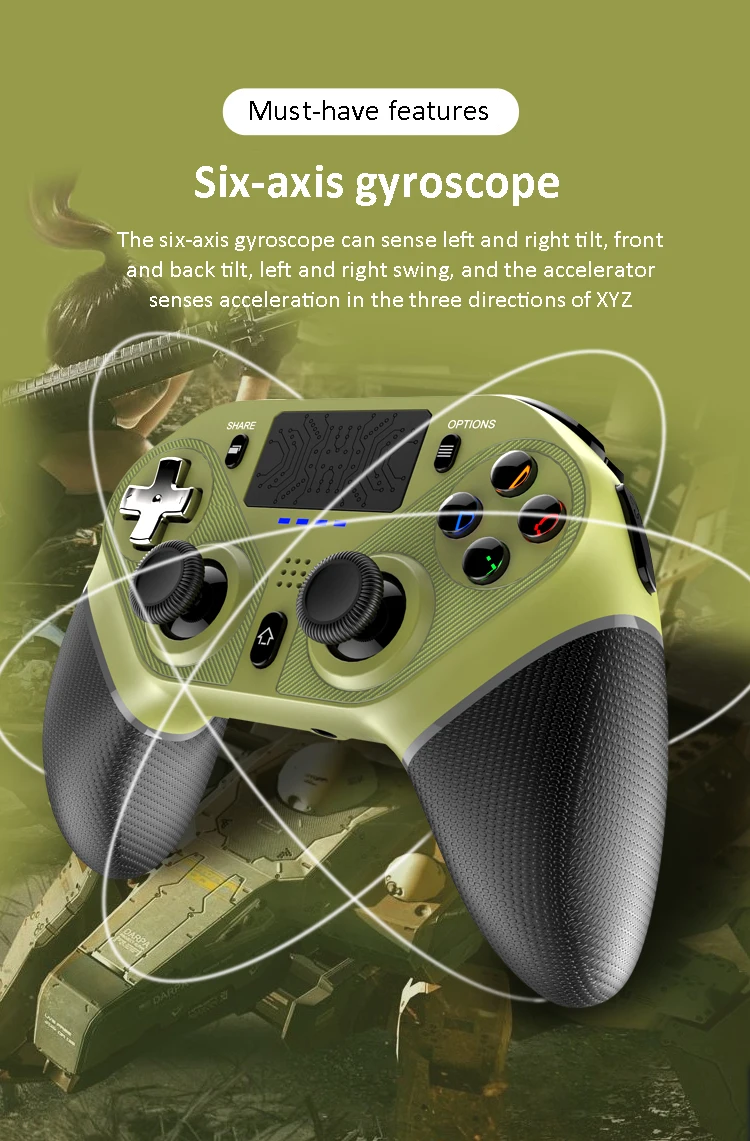
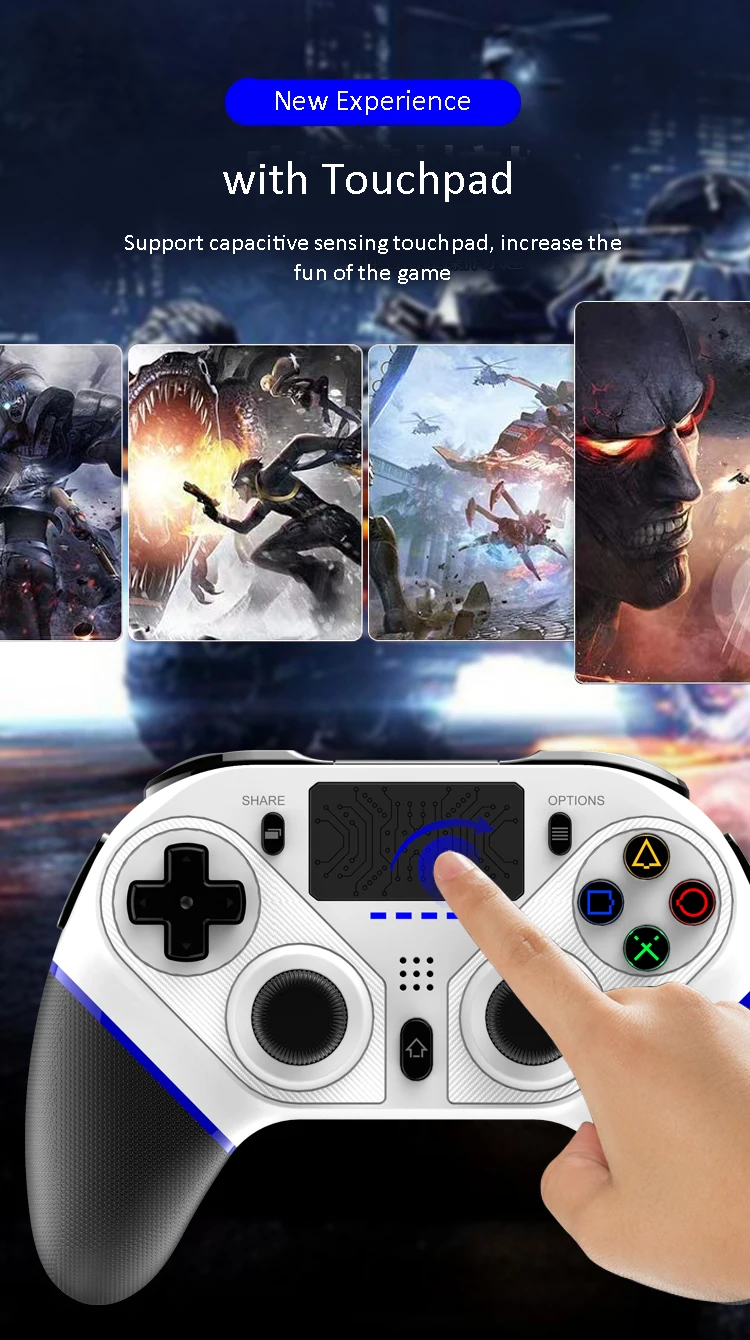
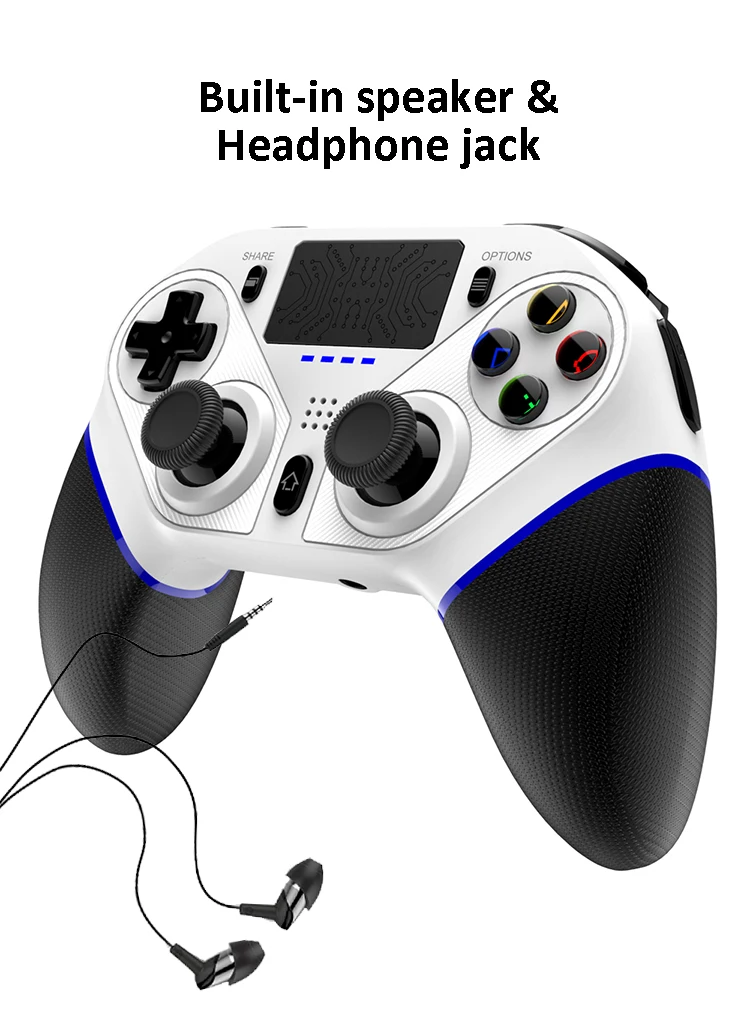
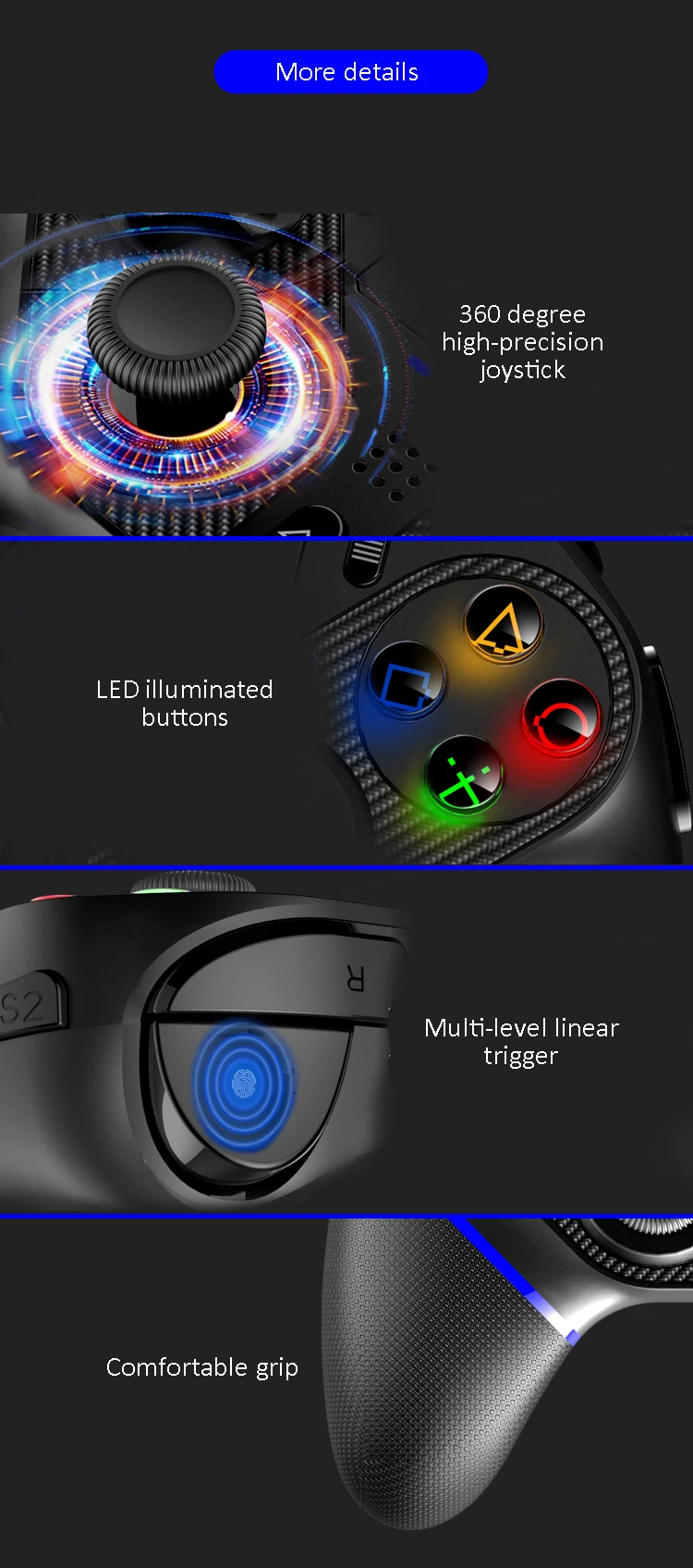
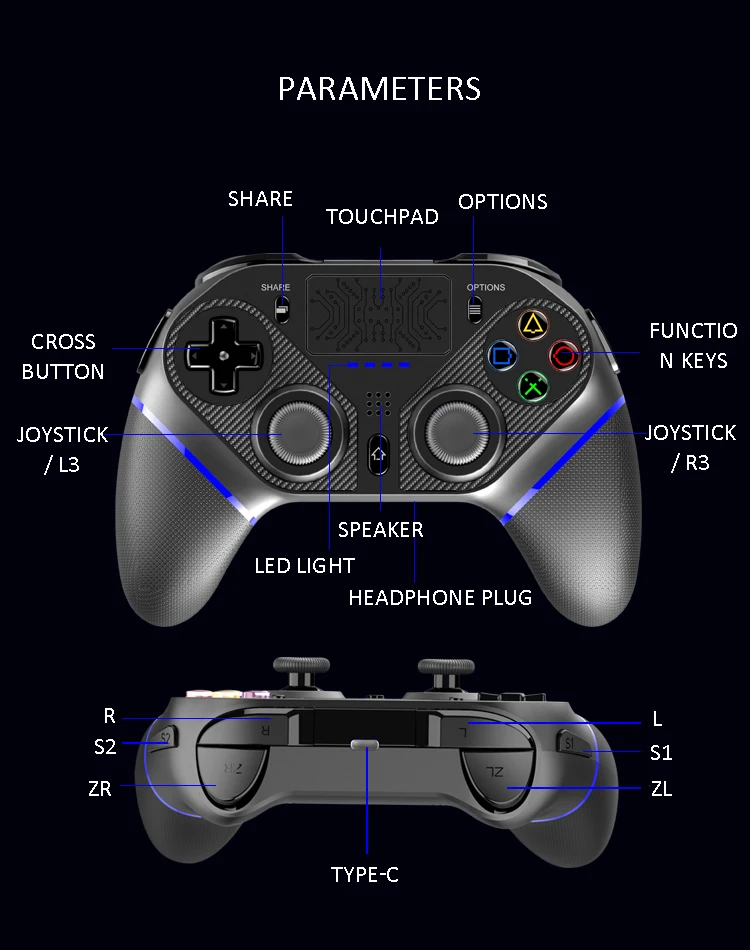
1. The product is mainly compatible for games operation via P4 and P3 console/ Android (Android 10.0 or above)/IOS (13.0 or above)/PC, support for any game version on P4. 2. High performance BT wireless connect technology, provide reliable signal without delay or disconnection within 8 meters,strong anti-interference performance and will not be affected by other wireless devices.driver-free, automatic connection, no complcated code matching process is required. 3.Built-in LED colorful light, the gamepad has colorful LED light bar to indicate the gamepad channel function and status. The indicator function is the same as the original P4 gamepad. Different gamepad are indicated by different color. 4. Built-in motor, support for dual motor and dual vibration function. 5. Built-in 3D acceleration sensor and gyroscope sensor, with six-axis sensor function. 6. Equipped with 3.5mm headphone jack as the outlet of the audio signal of the game. 7. The structure is ergonomic and feel comfortable. 8. BT connection method is the same as the original gamepad. 9. Support dual points capacitive sensor touchpad. 10. Support to charge lithium battery via USB cable. 11.Support for online upgrade via PC USB, support for the latest upgrade version of P4 console. 12.Support programming function, according to the user's preference, the normal function buttons or combination buttons can be set to S1-S4 programming buttons, convenient to use.
How to connect
Product User Manual
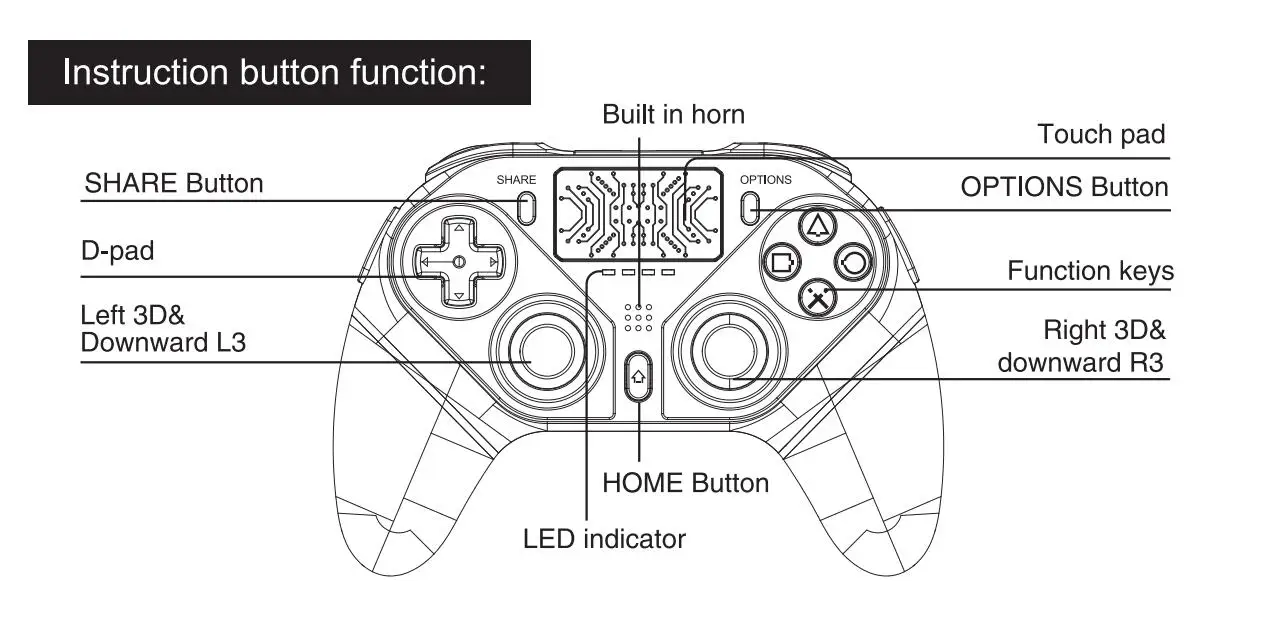
1.Turn on P4 console and enters the interface,connect the gamepad to console via USB cable, and press buttom HOME (house logo), the gamepad LED light will flash quickly, when a single color LED is always on, means connection is successful, and then remove data cable. Repeat pressing button HOME on the gamepad, the gamepad and the console will reconnect automatically. 2.One press the HOME button: 1.Display the main screen,2. Double press the HOME button to switch the starting application.3. When gamepad is under sleep mode, one press to wake up.4. No support for wake up the console.
3.Holding the HOME button: 1.End off application.2.Logout/turn off P4 console.3.Display the operatable items according to the current situation.
4.P4 console: gamepad SHARE button: can turn on (share)button. OPTIONS button: turn on select( option) button.P3 console: SELECT correspond to P4 SHARE button,START button correspond to P4 OPTIONS button.
5.Gamepad LED color indicator status description: display Player status, press the HOME button(PS button), the RGB colorLED (light bar)will light up in blue, red, green, and pink, configure each controller, as the user login sequence identification.1P;Blue.2P:Red 3P:Green. 4P:Pink A.Working channel: P4 console support for connection up to 4pcs P4 gamepad at one time. gamepad will be indicated by different LED colors.B.After gamepad connected will correspond to each LED working channel, the first gamepad connected to the console,blue light lit on to indicate user 1. The second gamepad connect with console, the red light lit on to indicate user 2. Turn off P4 console power,LED color will turn off within 10 seconds and the system enter the sleep mode.
6.Touch screen test: P4 console setting--network connect—choose wireless network---input interface---test the touch screen function.
7.Gravity sensor,gyroscope function will have correspond motion reaction when operate in a console game that supports six-axes.
8.In the game can test the output sound of speakers and headphones. When plug in the headphones speaker are silent. remove the headphones, speaker play sound.