Happylost
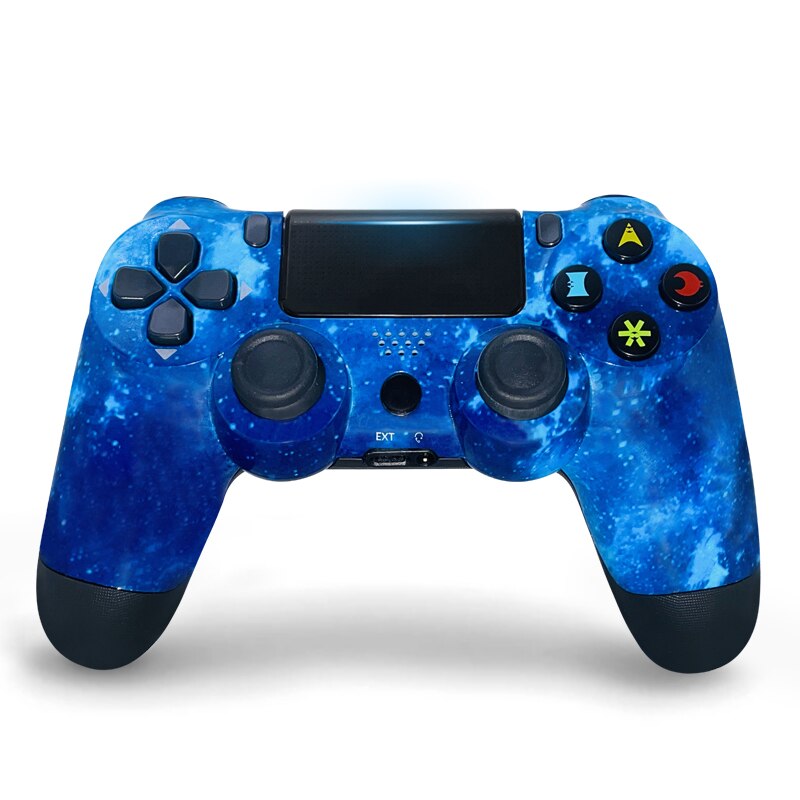
ISHAKO Gamepad PS4 Controller Bluetooth-compatible Wireless Vibration Joysticks For Playstation 4 Detroit PS4 Game Console Pad
ISHAKO Gamepad PS4 Controller Bluetooth-compatible Wireless Vibration Joysticks For Playstation 4 Detroit PS4 Game Console Pad
Couldn't load pickup availability
LIOEO Wireless PS4 Controller
VIP Fans Club
* Follow our store, can be our VIP customer
* Add our products to the cart and wish list. Can get coupons.
* UP TO 31% fans discount on 15th of every month.
* Each fan can get a coupon of $60-$3 on the 15th of each month
Take Control of PS4
ISHAKO Gamepad PS4 Controller Bluetooth-compatible Wireless Vibration Joysticks For Playstation 4 Detroit PS4 Game Console Pad
-
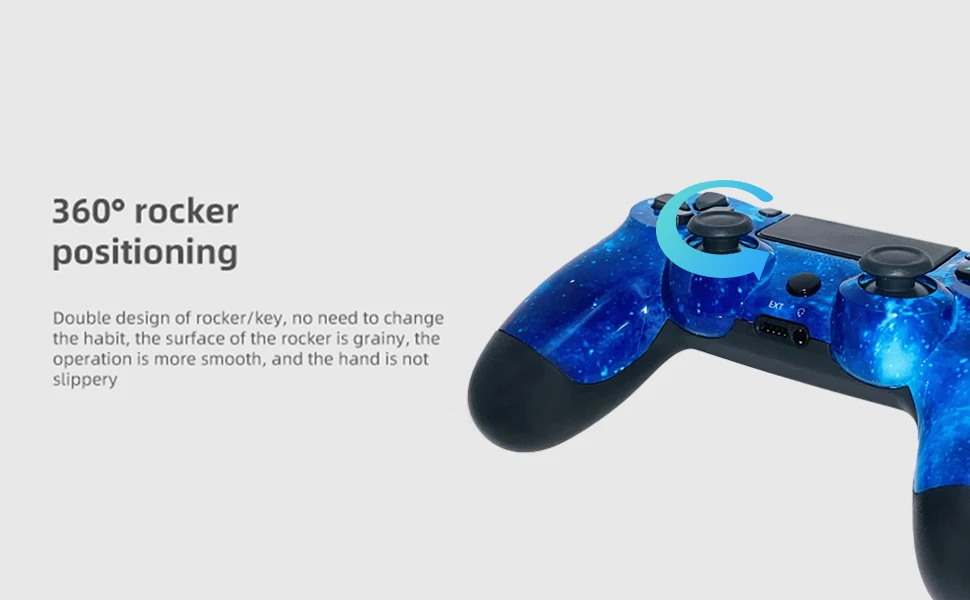
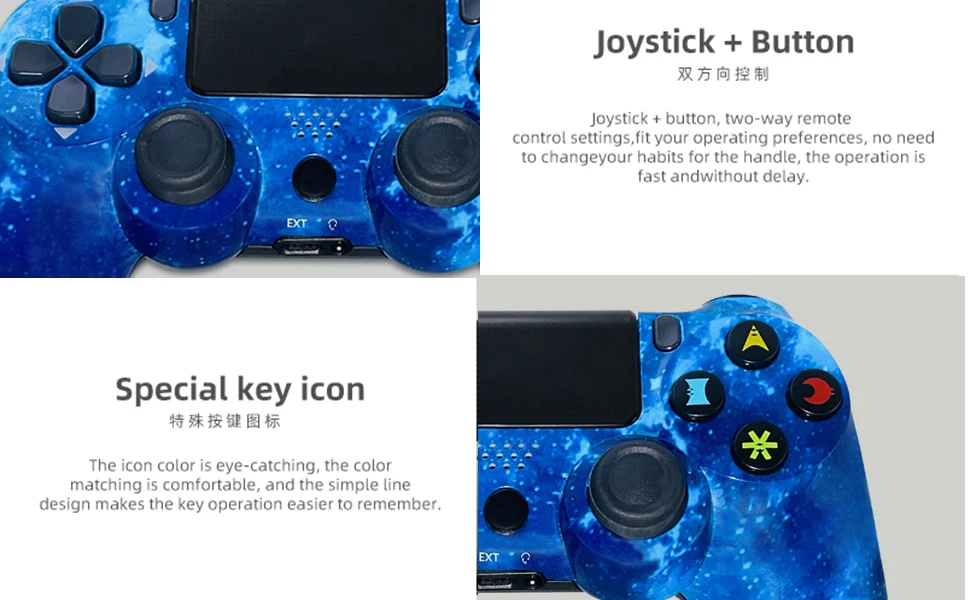
Precision Control: The feel, shape, and sensitivity of the controller's analog sticks and trigger buttons have been enhanced to offer players absolute control for all games on P4.
-
Sharing at your Fingertips: The addition of the Share button makes sharing your greatest gaming moments as easy as a push of a button. Upload gameplay videos and screenshots directly from your system or live-stream your gameplay, all without disturbing the game in progress.
-
New ways to Play: Revolutionary features like the touch pad, integrated light bar, and built-in speaker offer exciting new ways to experience and interact with your games and its 3.5mm audio jack offers a practical personal audio solution for gamers who want to listen to their games in private.
-
Charge Efficiently: The Wireless Controller can easily be recharged by plugging it into your P4 system, even when on standby, or with any standard charger with a micro-USB port.
-
Built in 600 mAh Rechargeable BatteryPackage Included:1 × Bluetooth-compatible Wireless Controller
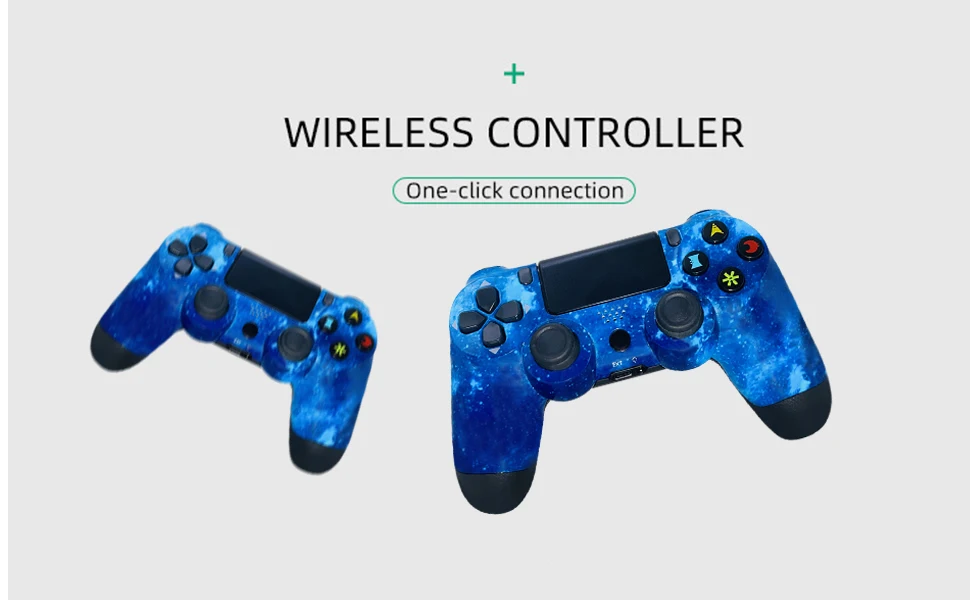
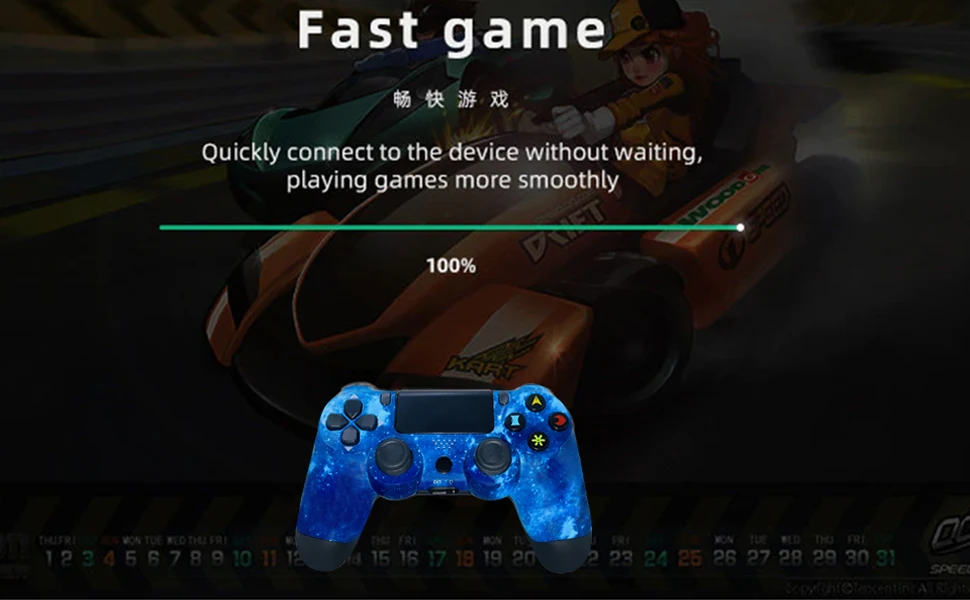
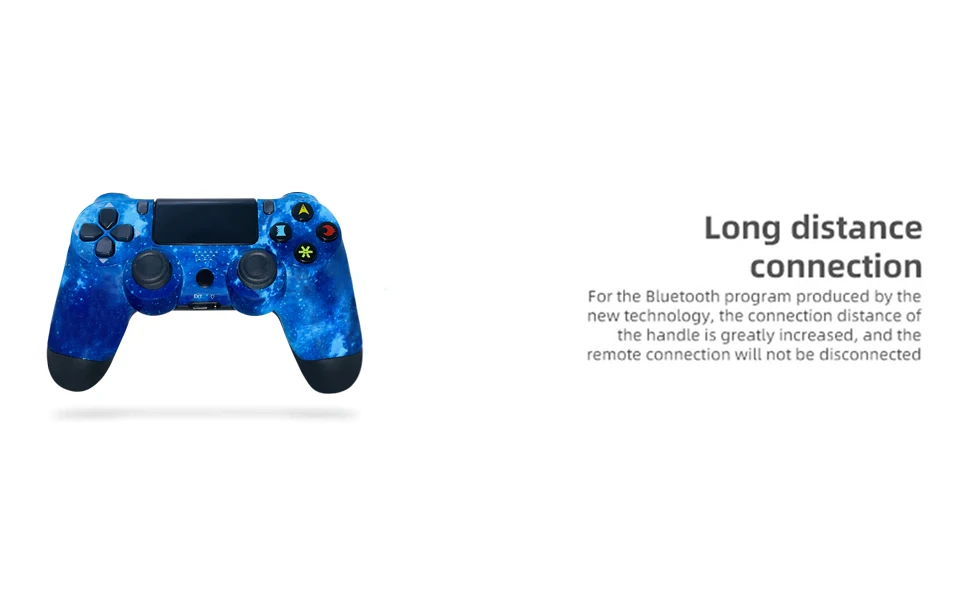
[Nice Christmas gifts for family, friends and children]
The button layout is accurate and the operation is convenient. It provides excellent vibration and allows you to enjoy realistic games. Play better games with family and best friends and work with 4 people at the same time.
[Note] :
1.If something’s wrong with the product, it can be reset.
How to reset: Please stab the switch in the small hole on the back of the product and re-pair with the host to check if it is normal.
2.If you can not connect to P4, please use the cable included in the package instead of the original cable,delete the name of the Bluetooth installed in the P4, and try again.
3.When you need to use headphones, please use Sony original headphones. Additionally, when using headphones for the first time, you need to open the game homepage and set up according to the following procedure: Settings> Peripherals> Audio Equipment> Output to Headphones> Turn on all audio output.
4.When using lithium batteries, the voltage of the batteries must be 3.7V or less during transportation based on the International Courier Service. Therefore, when the controller arrives and cannot start due to insufficient power, please charge the controller. The charging time depends on the state of remaining power.