Happylost
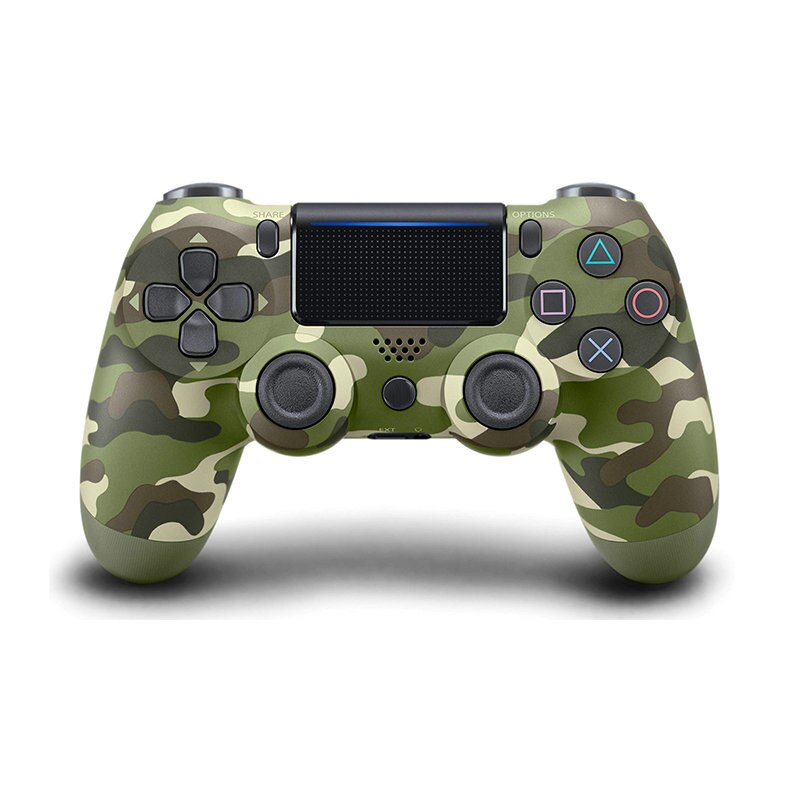
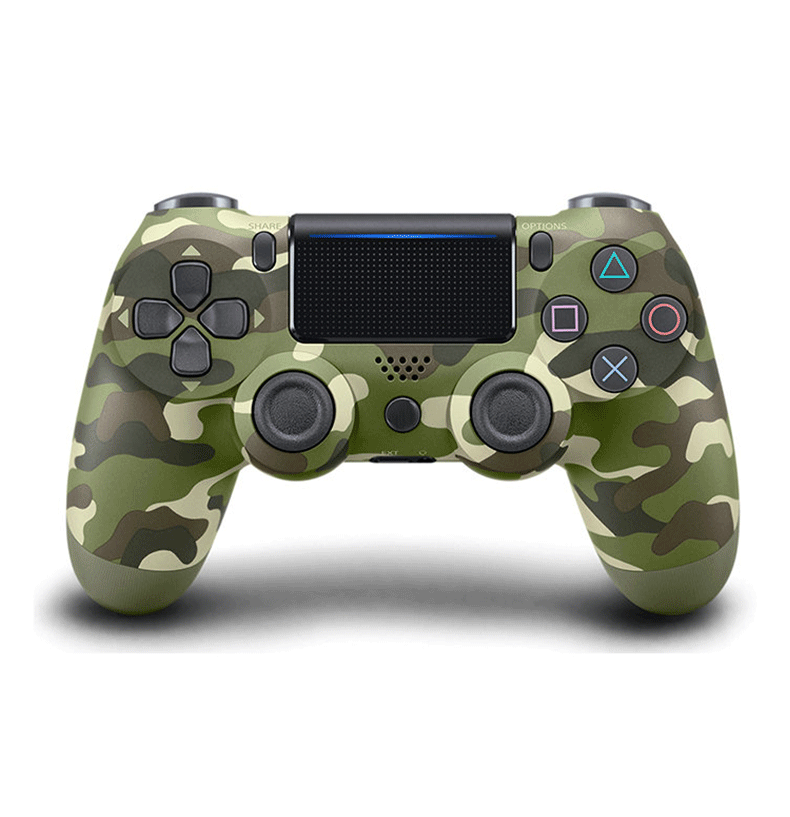
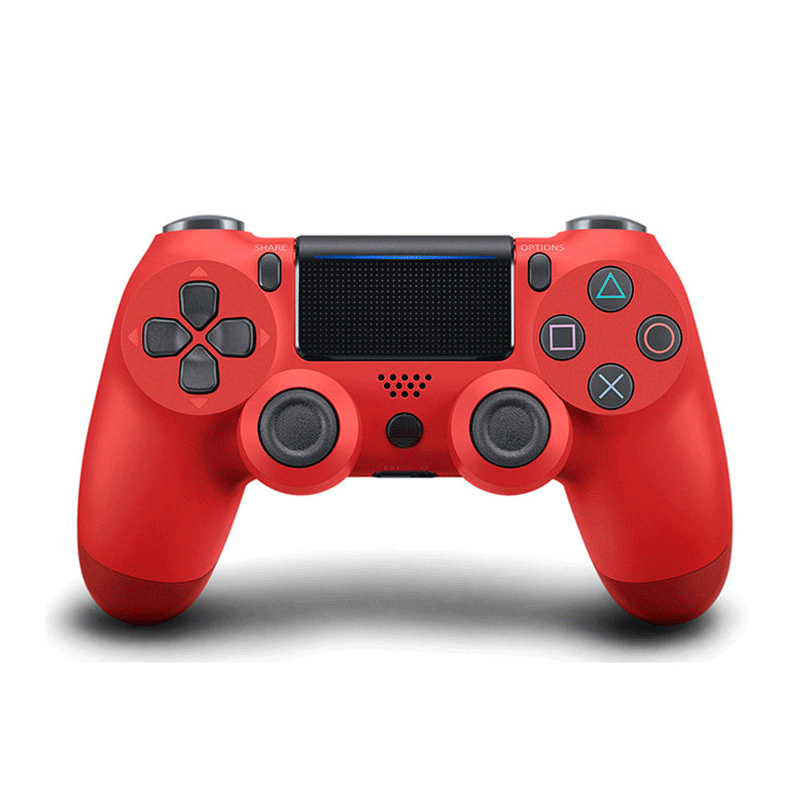
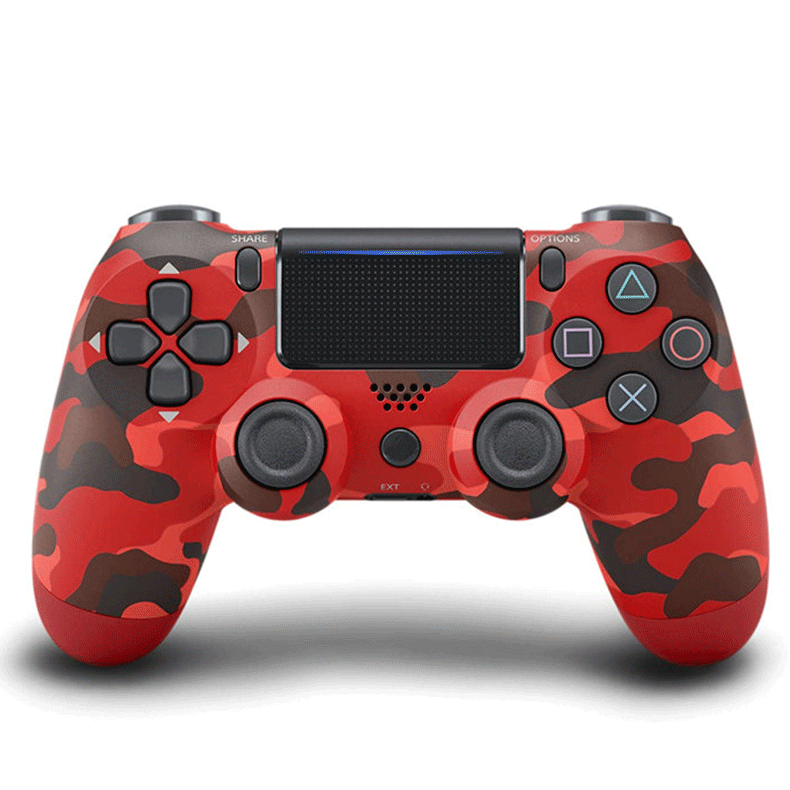
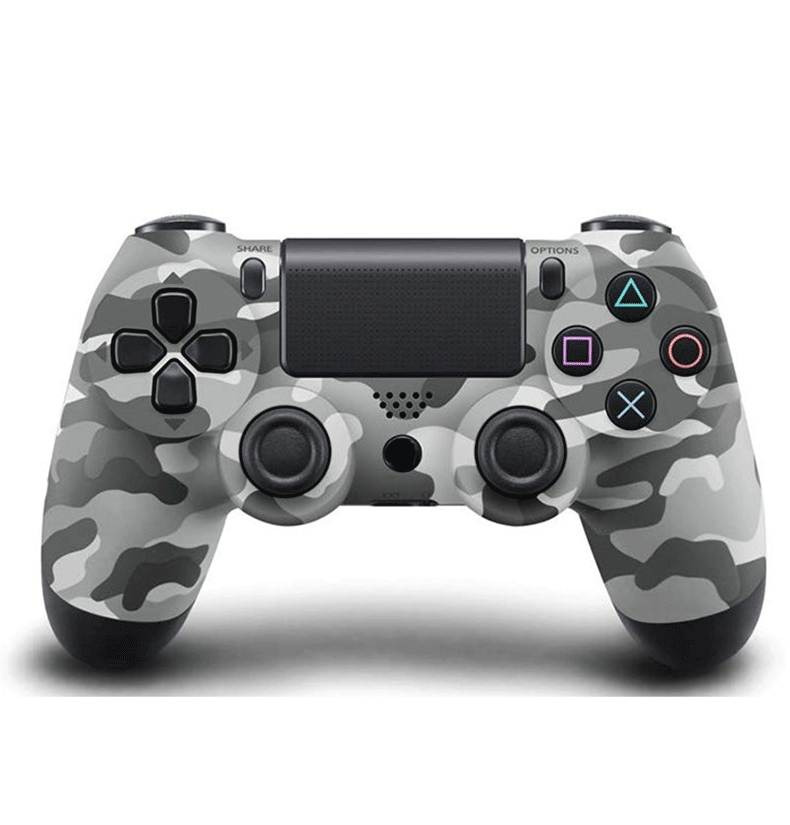
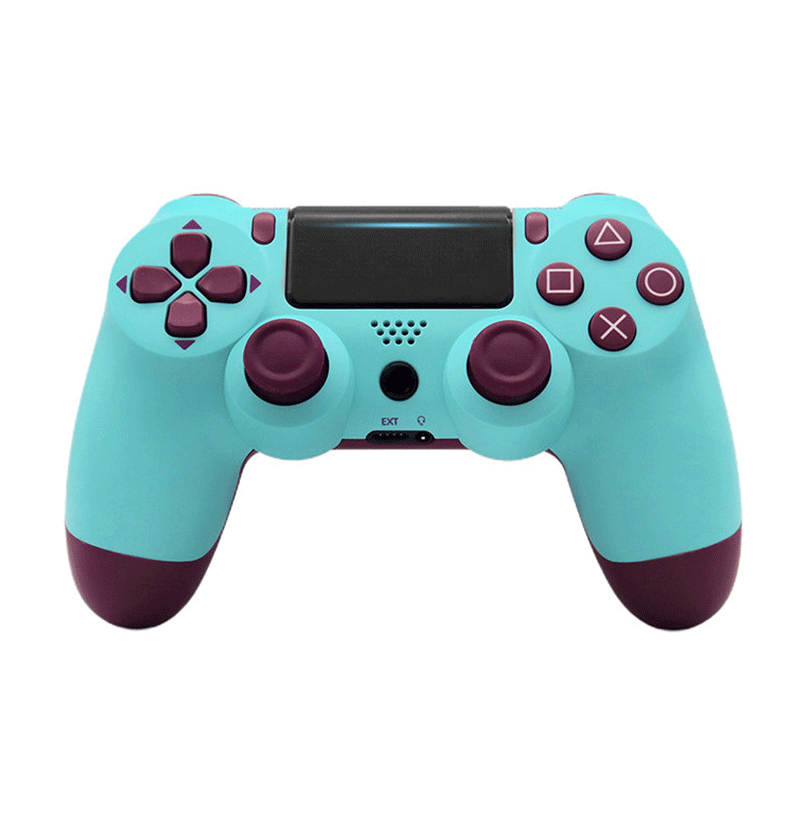
Wireless Bluetooth Joystick for Ps4 Controller for Mando Ps4 Console/pro/slim/pc/ipad/tablet/stoom/bluetooth Vibration Gamepad
Wireless Bluetooth Joystick for Ps4 Controller for Mando Ps4 Console/pro/slim/pc/ipad/tablet/stoom/bluetooth Vibration Gamepad
Couldn't load pickup availability
Welcome to YUN KE Digital Accessories Store ,We will serve you wholeheartedly!

In order to let customers get their beloved products faster, we will pack and ship them as soon as possible. Please confirm that you need to purchase before paying.
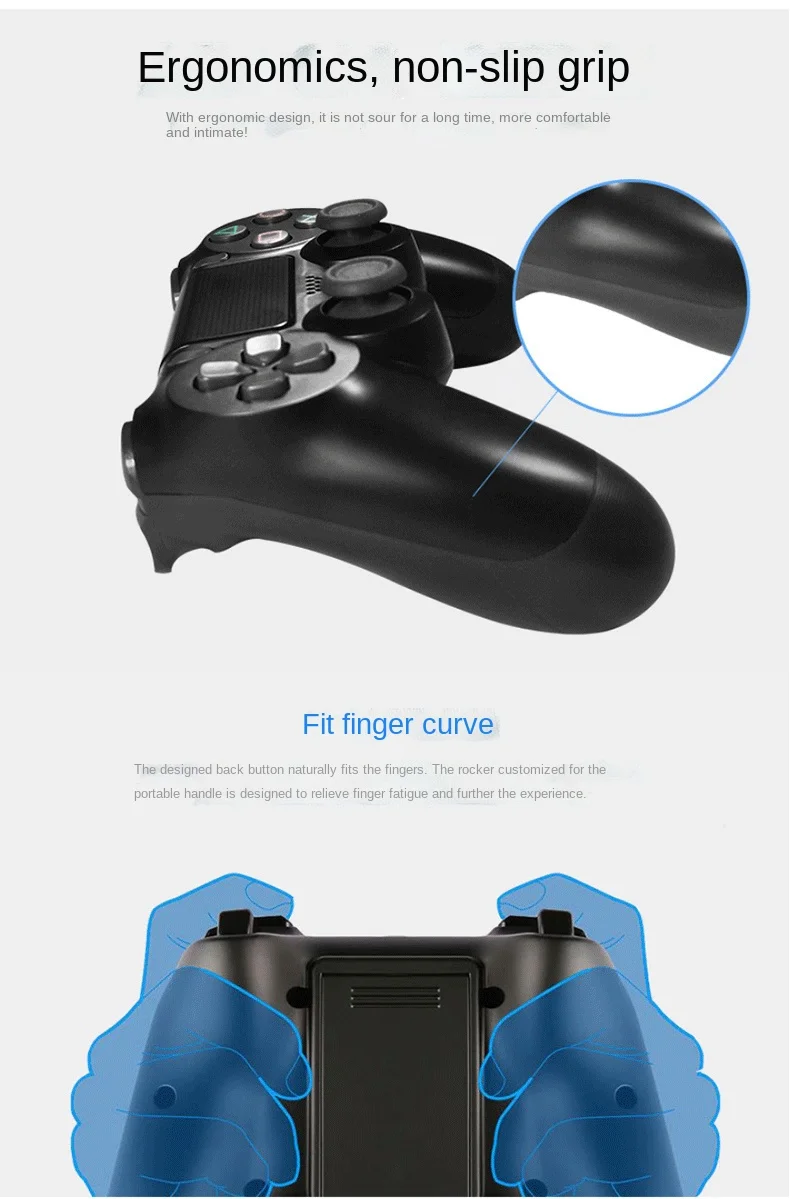
Notice:This is not the original for controller, it is China's production of high quality for PS4 controller. Its working state is the same as the original controller.
Product Description:
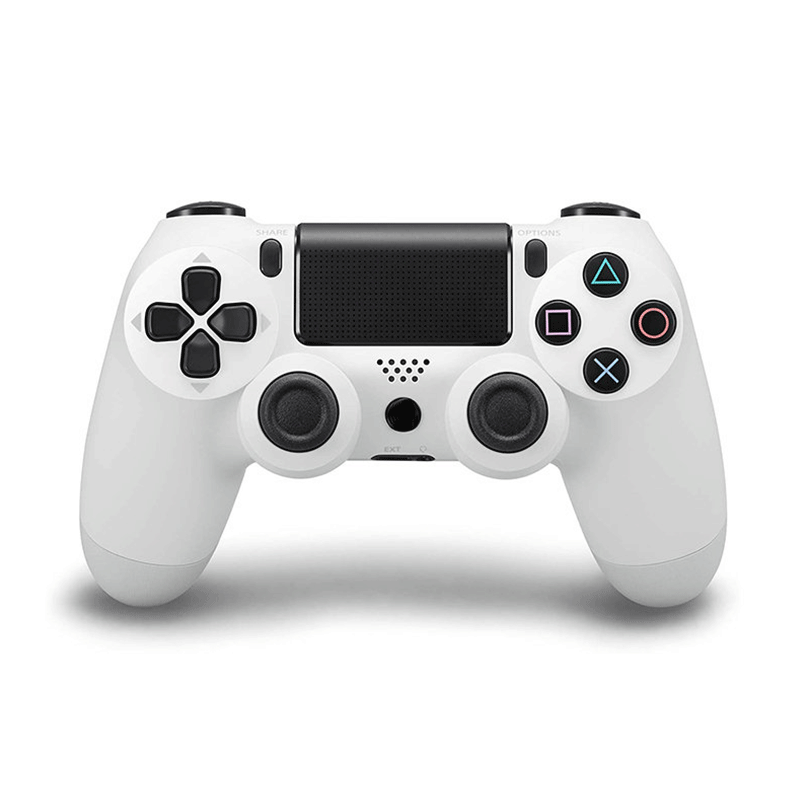
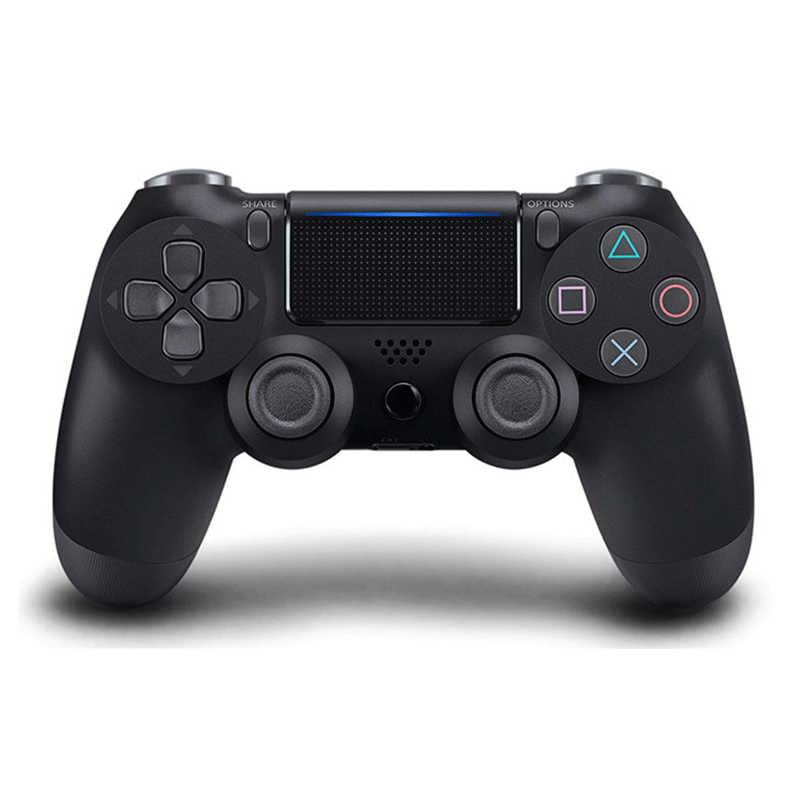
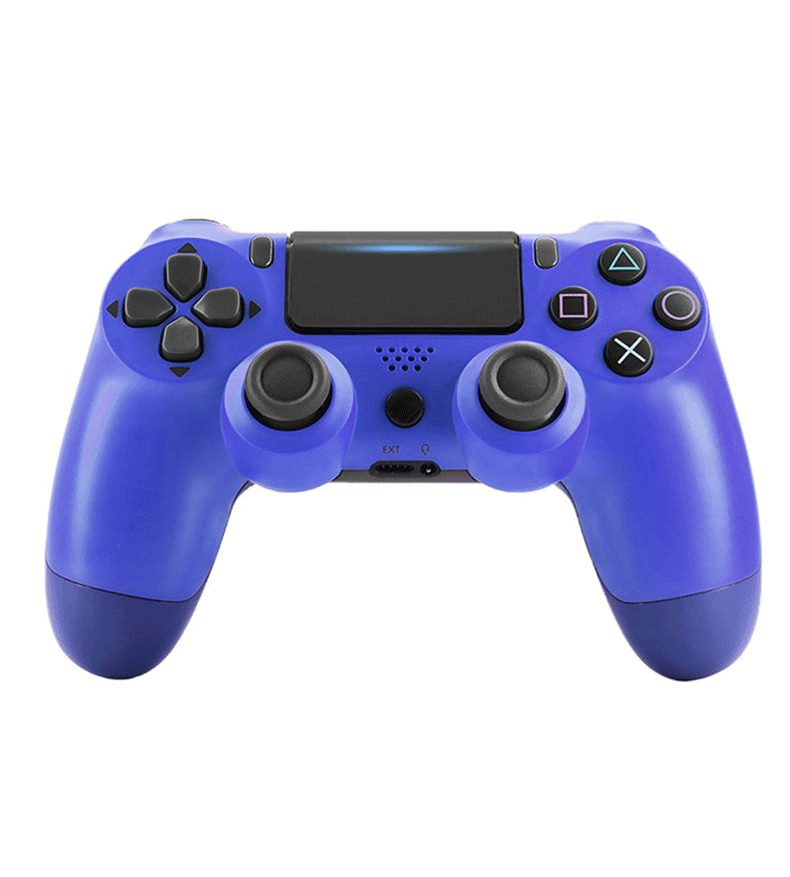
Support: The wireless controller supports / Steam / PS4 Pro / Slim
1.it is a third-party product, not manufactured by original , but its quality will meet your requirments.
2.if you are look for a original controller, this will be your best choice.
3.Charge up to PS4 controllers simultaneously
4.Never worry about running out of battery
5.Power through USB charger adapter
How To Match When First Time Use:
Step 1, Use the cable connect the console with Controller.
Step2, Press the Home button about 3 seconds.
Step3, When the Led light turns on, you can use it after remove the cable.
Afterwards, you can just press the round button when you want to connect.
Bluetooth Connection Steps
You must first press and hold the SHARE button of the PS4 controller, and then press the HOME button (the small round button in the middle). Remember, don't press the HOME button to make the light bar turn on first. When the light bar goes out, press the SHARE button first, and then press the HOME button at the same time.
After about 5 seconds, the indicator light on the back of the PS4 controller began to flash quickly, and then both buttons were released at the same time.
Then search for Bluetooth devices on the device, you can see the Bluetooth device named "wireless controller", and you can pair it.
Bluetooth connetion steps
1.The light is not on.
2.first press the SHARE key.
3.then press the HOME button at the same time.
4.until the light bar flashes quickly.
NOTE :WHEN THE LIGHT BAR IS NOT ON,PRESS THE SHARE BUTTON FIRST,THEN PRESS THE HOME BUTTON,AND HOLD IT DOWN FOR ABOUT 5 SECONDS.
Tips:
1.Wholesale and drop shipping are both welcomed.
-For wholesale, we will offer discount.
-For drop shipping, we could send the goods to your customers directly and won't leave information about us if you'd like to.
2.What can I do when purchase protection time is running out?
-If your purchase protection time is running out, please contact us and we can help you to extend it. So your money will not go to my account.
Shipment:
1.The orders are processed timely after payment verification.
2.We only ship to confirmed order address, Pls check that your address must match your recipient address.
3.Service Transit Time is provided by the carrier and excludes weekends and holidays. Transit times may vary. Particularly during the holiday season.
4.If you have not received your order within 60 days from payment, pls contact us. We will track the shipping information and reply you as soon as possible.
Feedback:
Your satisfaction is our greatest motivation!
1.if you are satisfied with the items and our service, please take a minute to leave us a positive with 5 stars.
2.please do not hesitate to contact us to get a better solution before you leave a neutral or negative feedback.we will provide you the best service.